

Introduction
Turn an idea into a project you can run.
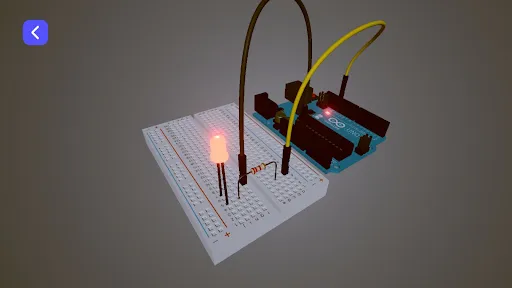
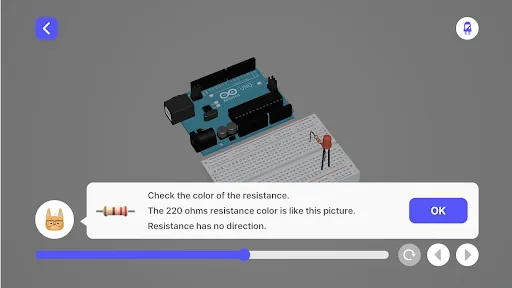
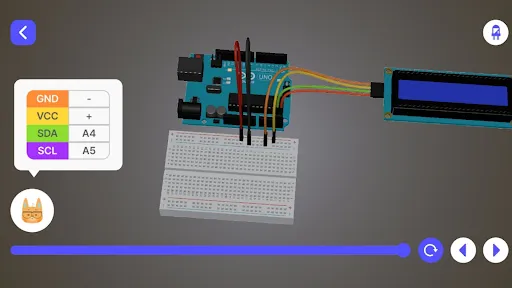
VibeBlocks is a learning app where you practice using AI by making interactive art, Arduino circuits, micro:bit projects and games. Describe what you want, examine what AI creates, then run the result in the app. Use what you observe to ask for changes and make your instructions more precise.
Start with a course or an idea of your own
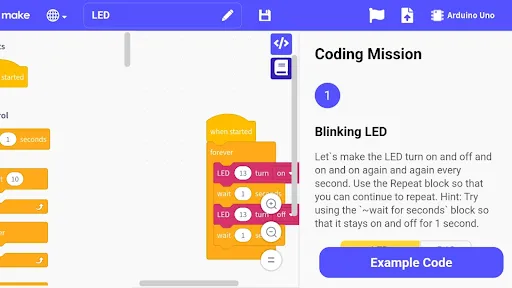
Follow lessons with a clear goal when you need a starting point. Read what a project should do, run it and observe the result. Then apply the approach to a project of your own, changing the colors, movement or response to an input. If you already have an idea, start a project and describe it to AI.
Practice AI coding, step by step
1. Describe the behavior. Explain what you want to make and how it should respond. Your request becomes the prompt for the project.
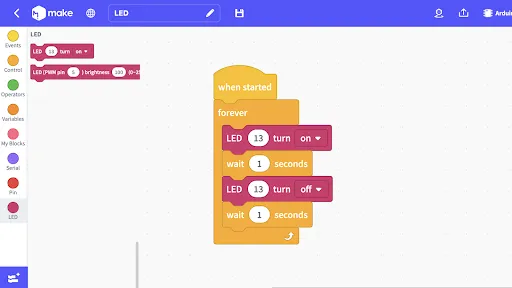
2. Read what AI creates. Examine the code or blocks available in your project to see the sequence of actions, repeated behavior, and connections ...
VibeBlocks: Learn to Use AI
Review
2.9
Platform
Android
Category
Education
Tags
CasualStylizedSingle player
Download
1.9M


