

Introduction
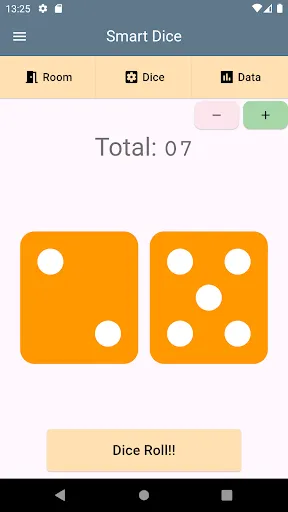
Use Smart Dice when a board game needs dice, for a tabletop RPG session or to choose who goes first. Tap to roll and check the total on screen.
Choose your dice
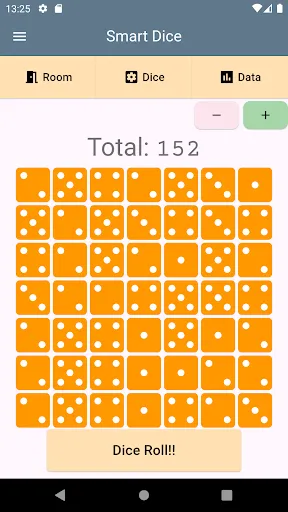
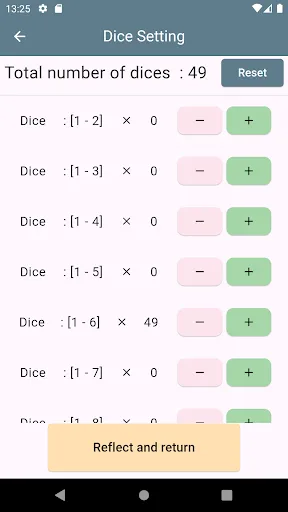
Roll up to 100 dice at once. Choose D4, D6, D8, D10, D12, D20, D100 and other dice, and combine different types in one roll. The reset button in dice settings restores the starting dice setup.
Share rolls with friends
Create a room and share its PIN. Everyone in the room can see each other's rolls in real time, even when playing from different places. Room sharing needs an internet connection. Rooms also work between Android phones and iPhones.
Review the results
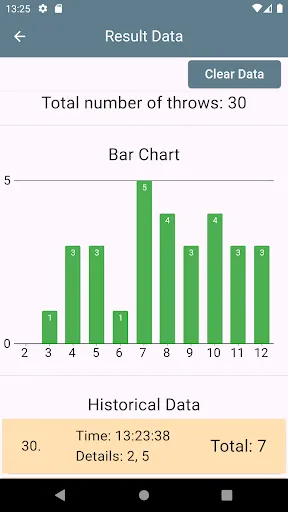
Look back through your roll history and use graphs to see how often each result appeared. Turn on spoken results to hear the total read aloud. Graphs are hidden for dice setups with a wide range of possible totals.
Change the display
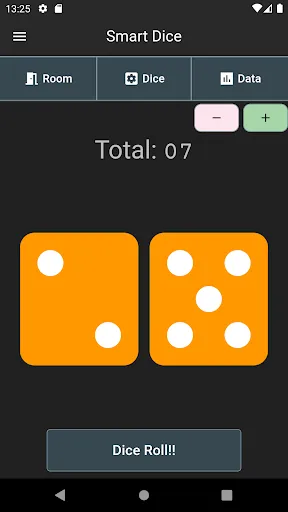
Choose dice colors, switch between dots and numbers, and use dark mode.
When to use it
Use it for board games such as...
Smart Dice: Dice Roller
Review
3.2
Platform
Android
Category
Board
Tags
Board
Download
927K


