



Tom lược
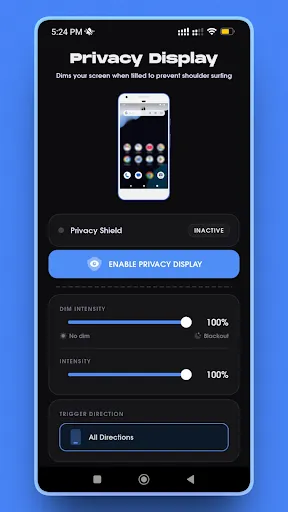
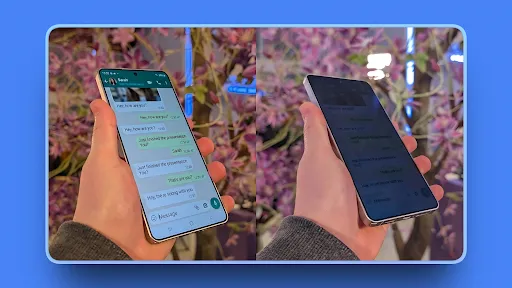
Privacy Display is a simple screen dimming tool that helps reduce screen visibility when you tilt your device. It applies a dark overlay to your screen based on motion sensor input, allowing you to quickly lower screen brightness beyond the system minimum.
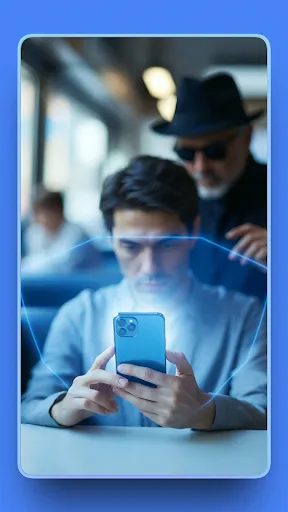
This app is designed for users who want a quick way to dim their screen in public places or low-light environments.
Features:
• Tilt to Dim – Automatically applies a dark overlay when you tilt your phone left or right.
• Adjustable Dim Level – Choose how dark the screen overlay should be.
• Sensitivity Control – Adjust tilt sensitivity to match your natural movement.
• Quick Toggle – Turn the overlay on or off using a notification shortcut.
• Lightweight Design – Minimal battery usage while running in the background.
How It Works:
Privacy Display uses your device’s motion sensors to detect tilt direction. When activated, the app places a dark overlay on top of your screen to reduce visibility. You can customize til...
Privacy Display: Hide Screen

Đánh giá
4
Nền tảng
Android
Danh mục
Công cụ
Thẻ
Công cụ
Tải xuống
141K


